Launch
Validate session access, published apps, and desktop availability.
Technology Coverage
Automai follows the user path across virtual desktops, packaged enterprise applications, desktop clients, web apps, and integrated workflows.
Citrix, AVD, RDP, AWS WorkSpaces
Automai executes real workflows through virtual sessions — not just backend checks — so teams can see what users experience inside the access layer.
Automai follows the user path inside the session.
Validate session access, published apps, and desktop availability.
Run login, navigation, transaction, and validation steps inside the session.
Capture screenshots, timings, and failure points from the user side.
Why Citrix Is Hard
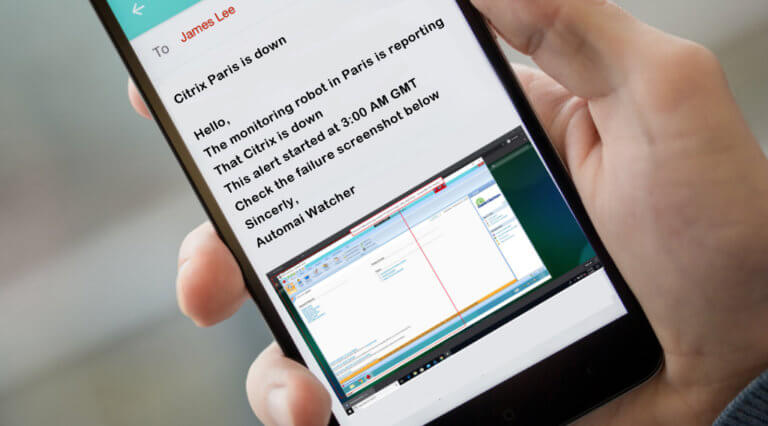
Infrastructure can look healthy while users cannot launch, navigate, submit, or complete the application workflow.
One desktop pool, location, or published app can degrade before backend tools explain it.
Opening the app does not prove the transaction can finish.
Missing images, slow screens, and field validation failures happen where users work.
Epic
Automai validates patient access, clinical operations, order entry, and Epic-adjacent workflows before staff feel disruption.
Confirm lookup, registration, scheduling, and related tasks complete.
Validate screens, fields, and expected outcomes through the clinical path.
Monitor production workflows from real environments and locations.
SAP
Automai follows SAP workflows from login to transaction completion, including approvals, reports, and integrated handoffs.
Validate access paths and user session behavior.
Run the exact fields, screens, and validations users complete.
Capture the final state, report, approval, or failed step.
Oracle
Automai validates Oracle and Oracle EBS workflows where users rely on forms, reports, approvals, and connected processes.
Validate high-value transactions from the front end.
Confirm report generation, output, and timing.
Follow the workflow across handoffs and dependent systems.
Salesforce
Automai tests and monitors CRM workflows from login through submission, validation, and connected application handoffs.
Validate screens, records, and user actions in sequence.
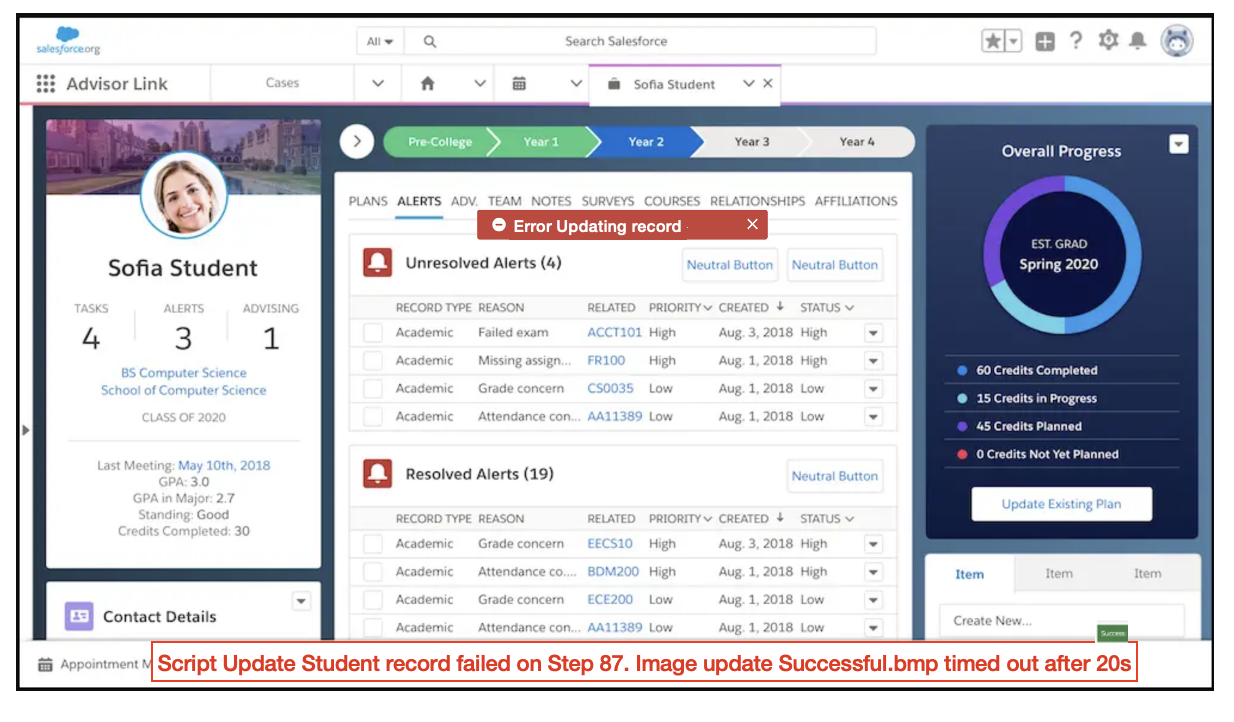
Catch failed buttons, changed fields, and broken validation before users do.
Capture screenshots and timing tied to the failed step.
Desktop & Legacy Apps
Automai follows thick-client, RDP, client/server, custom desktop, and legacy workflows from the same visual layer users depend on.
Run workflows through real windows, fields, images, and dialogs.
Validate older business-critical paths without modern APIs.
Cover internal workflows that standard tools cannot model cleanly.
Evidence
A Citrix session, Epic workflow, SAP transaction, Oracle approval, Salesforce path, or desktop app failure returns evidence the right team can act on.
Technology Workflow
Bring the Citrix path, Epic workflow, SAP transaction, Oracle process, Salesforce workflow, or desktop application that needs evidence.